NEW
Nano Banana 2.1
The Image Lab's default and the one for keeping an OC on-model: attach up to 14 references, such as a face close-up, a full-body pose and an outfit, then change one thing per pass.
Models behind your characters
One holds your OC's design, one letters the cover, one animates it and one hands it a dance. Two more are for adults only. All six spend the same credits.
The Image Lab's default and the one for keeping an OC on-model: attach up to 14 references, such as a face close-up, a full-body pose and an outfit, then change one thing per pass.
Animate a finished character still for 4–30 seconds at up to 1080p, with sound made alongside the picture. Up to 10 reference images keep hair and outfit steady.
Your character repeats the moves of a 3–30 second dance or gesture clip. Full-body art with clear arms and legs follows best.
For covers, title cards and posters where the lettering has to read right, at up to 4K. Flare drafts fast, Sunburst handles exact edits, and both cost the same.
Adults only. Adult anime scenes from a prompt or a first frame, 2–30 seconds long, anywhere from 480p up to 1080p, and the soundtrack is free.
Adults only. Sets one finished adult character still moving for 3–15 seconds, silent, in 720p or 1080p, starting from your art rather than a prompt.
Your OC's 18+ side doesn't need a second app. One age confirmation unlocks two image models and two video models that take adult prompts, plus Spicy UNCENSORED Character Swap, all paid from the credits you already have. Every character must be a fictional adult who looks like one.
Write the scene you have in mind, from a soft romance panel to explicit hentai, in the anime look you already draw in. Original adult characters only: no franchise characters and nothing that reads as underage.
18+ results stay in your own history. There is no gallery to post to, and SpicyHub AI never uses 18+ work in its marketing.
18+ images start at 6 credits and clips at 30. During the beta, the 50 free sign-up credits cover a first 18+ clip too: up to 6 seconds at 480p on Spicy UNCENSORED Video.
The 18+ hub: rules, prices and guidesHentai AI generatorHentai videoUncensored character swapWhich AI models allow NSFW
Adults only: 18, or your local age of majority when that is higher. Minors or anyone who looks underage, real people without their documented consent, characters from existing franchises and non-consensual scenes are prohibited, without exception.
Start from a single clean design and carry the same character through stills, motion and a voice. Each step below says which tool to open and what to hand it, so you spend credits on the character, not on guessing settings.
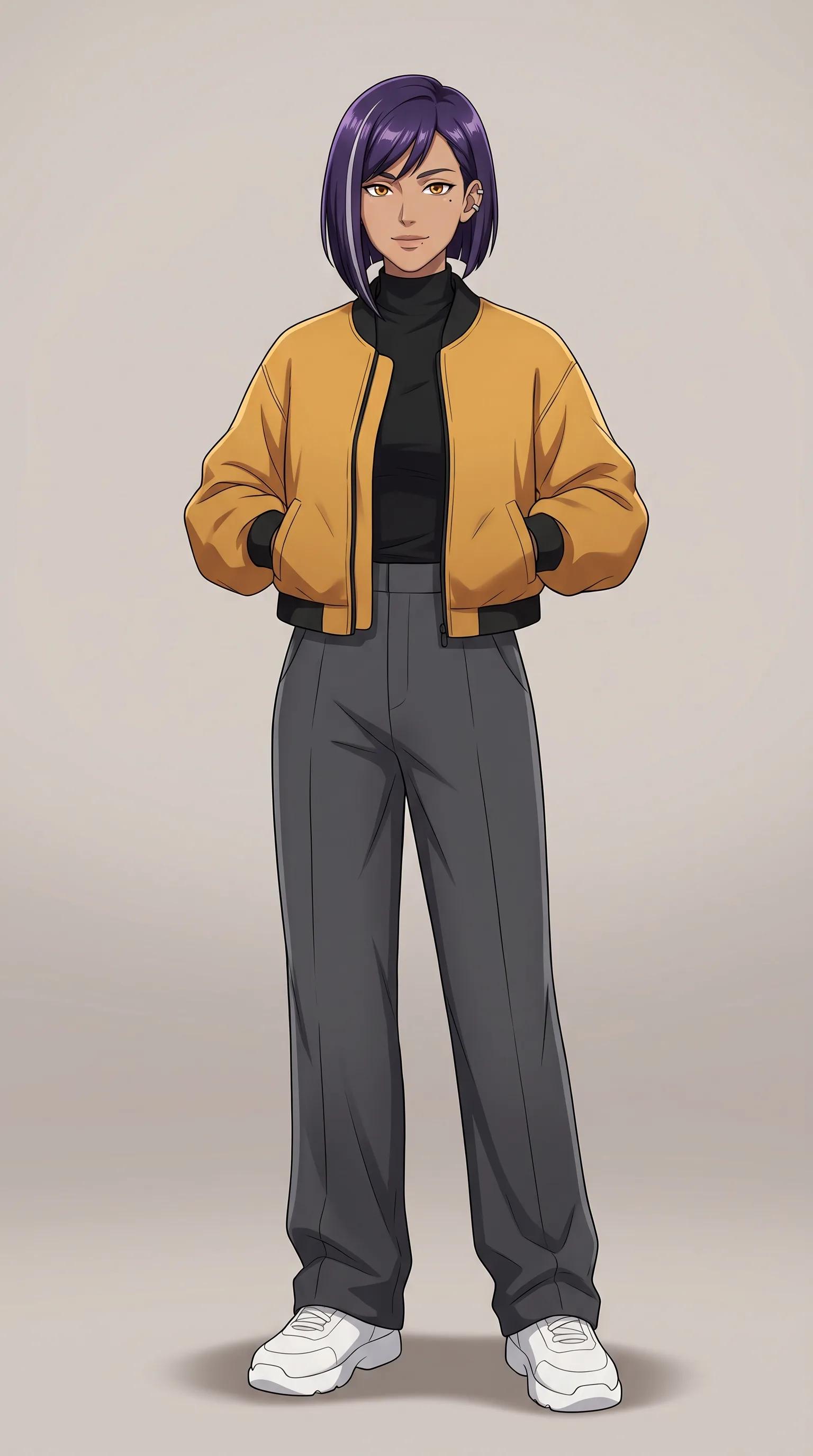
Key design: A single sharp design of your character, facing the viewer. Every later step reuses it as the reference, so settle the face, hair and outfit here.
Borrowed moves: Pick a dance or gesture clip you filmed or may use, and your character repeats it beat for beat in Character Swap.
Reference-led scene: Give Seedance a reference video, and its movement, camera work and sound turn up in a clip starring your character.
A voice line: Combine a portrait facing forward with a voice recording you own or may use, and the mouth moves with the words.
Bring a still to life: When the idea is one moment, animate the finished image into a short clip in the Video Lab.
Short skit: Write a few lines of dialogue and let Seedance stage a short scene around your character, sound included.
During the beta, a free account comes with 50 credits that work on any model: about 4 key designs at 2K, or 1 test clip of 5 seconds at 480p (35 credits a clip on Seedance 2.0). Characters must be fictional, and clearly adults in any 18+ work. Label AI-made art wherever a platform asks for it.
No prompt to write: each preset already holds a model, a prompt and its settings. Add an image of your character and render, at 18 credits a run (28 at 4K).
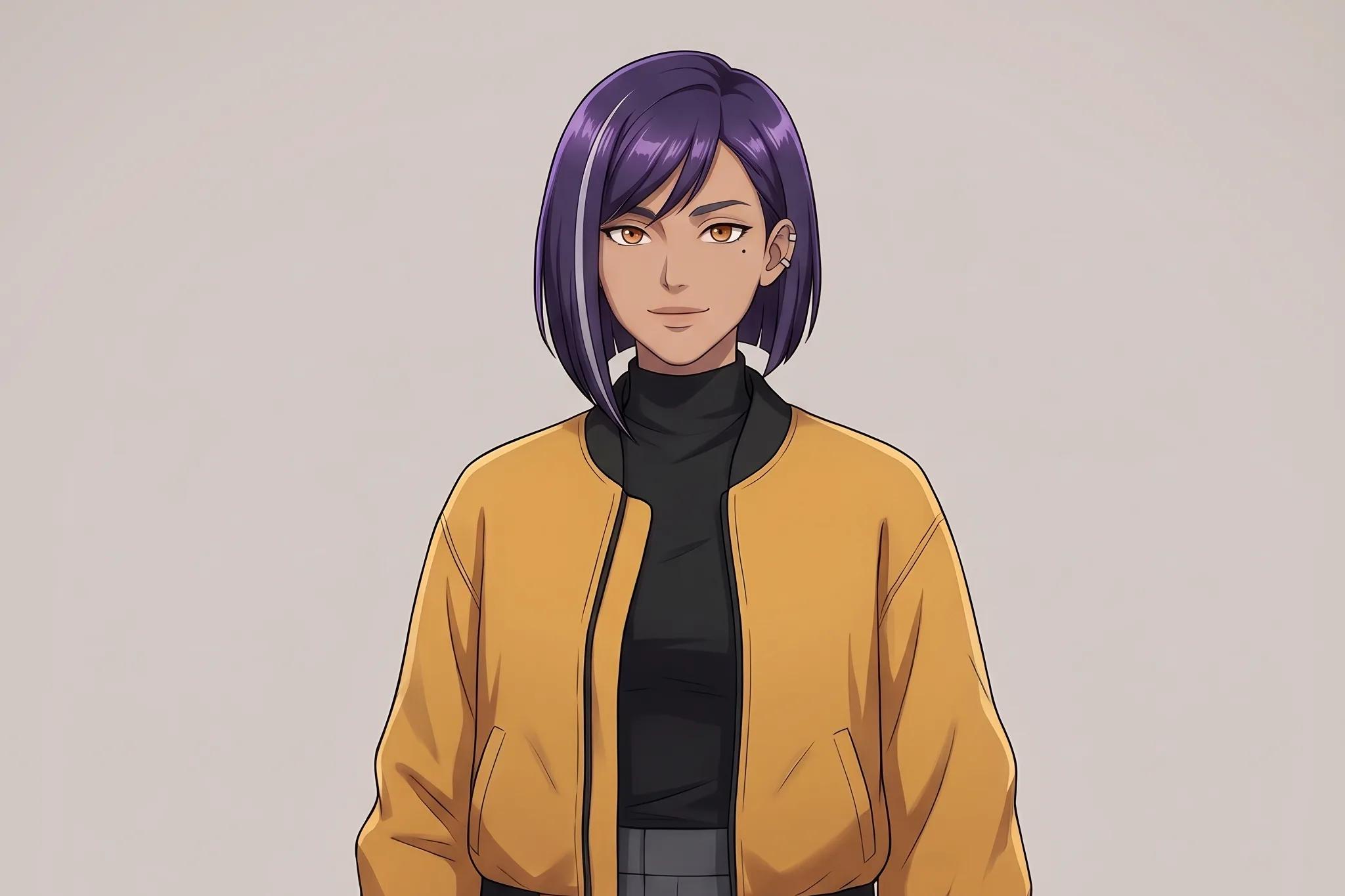
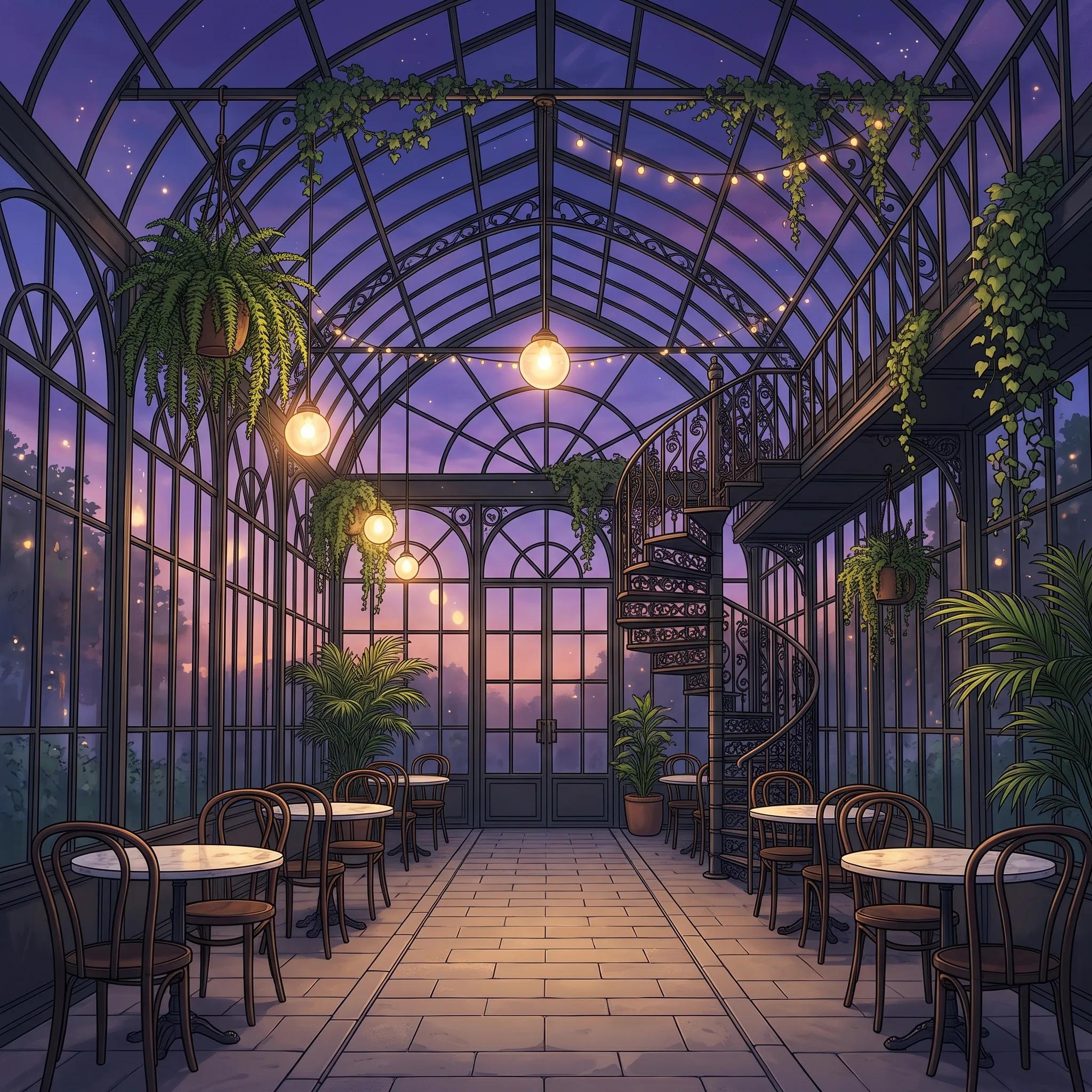
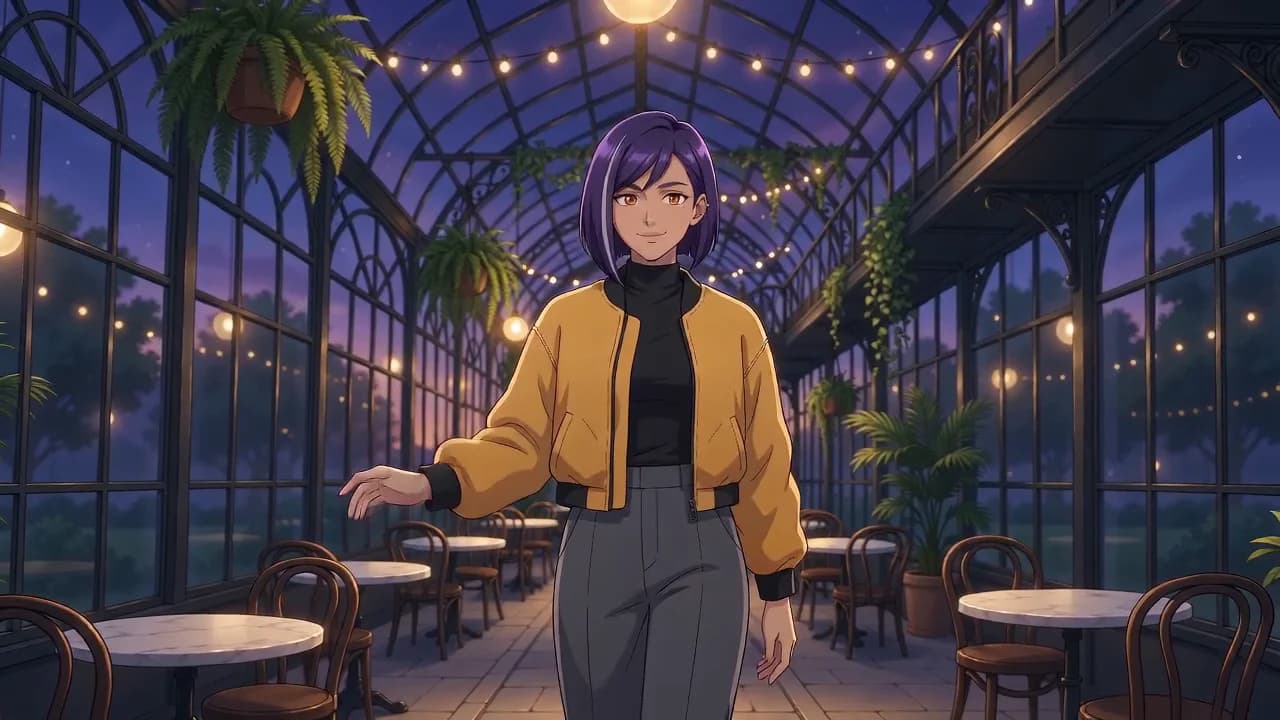
A character drifts between clips when the model can't see it. Upload the character, an outfit or a location as references, up to 10 on Seedance 2.5 or 7 on Seedance 2.0, so hair, clothes and props match from the first frame of the clip to the last.
 Character
 Location
 Clip
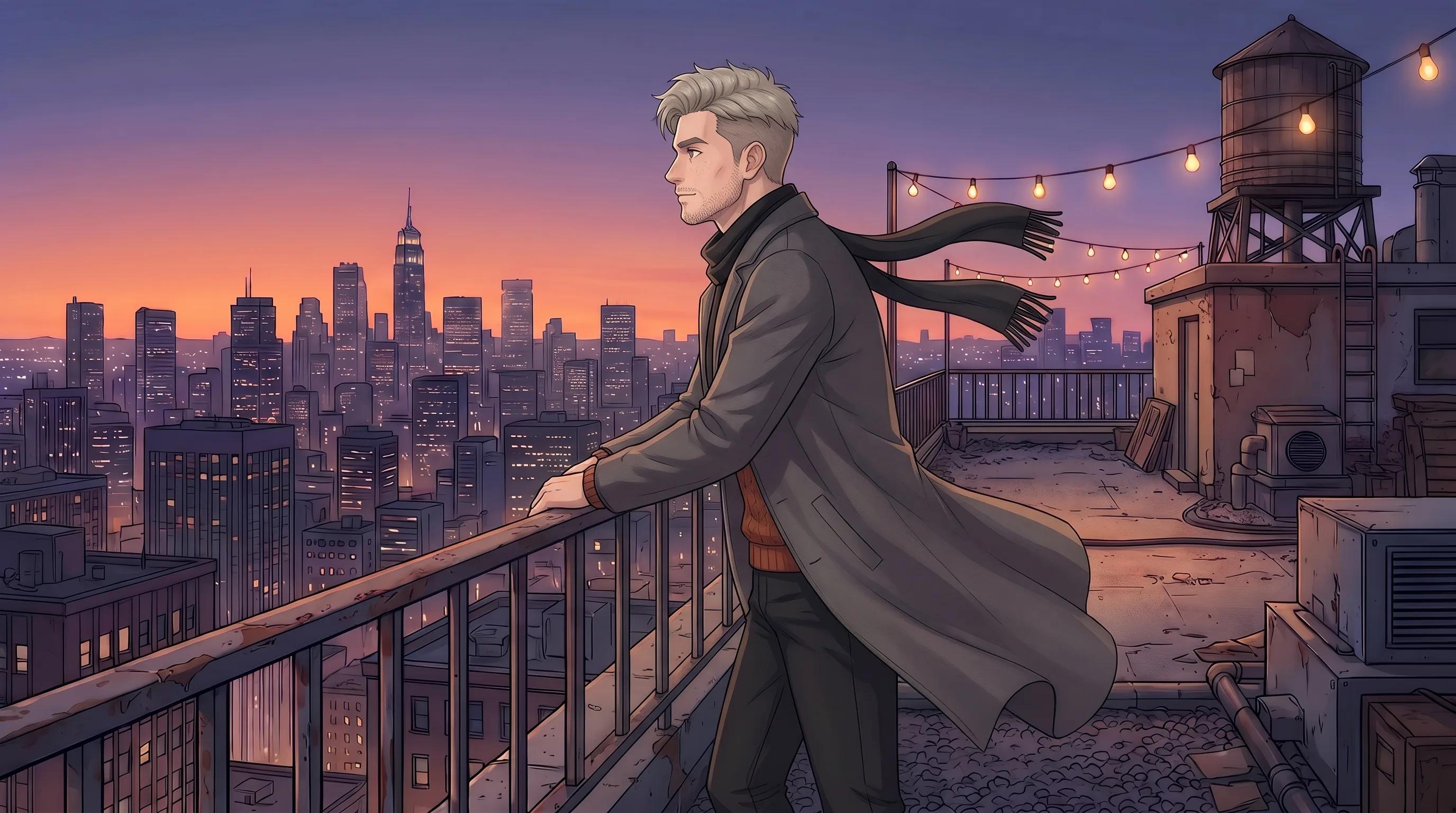
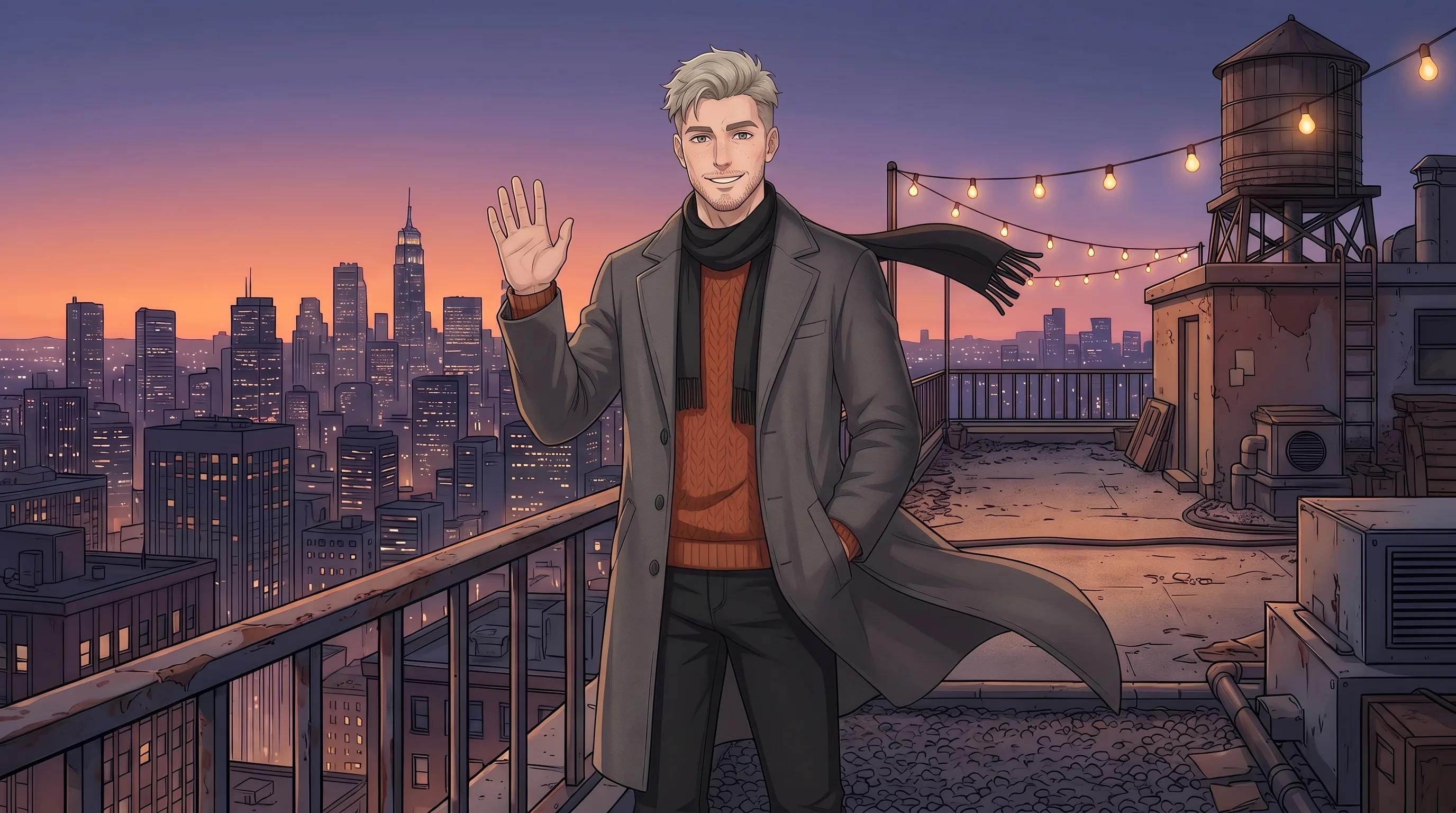
Draw the pose your character starts in and, if you like, the one it should finish in. Set them as the first and last frame, write what happens in between, and the model animates the gap. Both slots work on Kling 3.0, Kling Omni O3, Seedance 2.5 and Veo 3.1, and using one image for both gives you a loop.
 First
 Last
Fewer apps between the first sketch and the finished clip. What one account covers, and how privacy and referrals work.
Draft on one model, finish on another, then animate and upscale without exporting between apps. Images, video, motion transfer and upscaling share one balance.
No public gallery: uploads and results sit in your own history for 7 days on Basic, 30 on Pro and with no limit on Ultimate and Creator. Download the keepers.
Approved partners get a lifetime 15–40% share of what the people they refer spend, at a rate set on approval. SpicyHub AI is in beta and payments open soon; commissions start with them.
Draw in the Image Lab, animate in the Video Lab, sharpen the takes you keep, and file your character's references so the next scene starts on-model.
Prompt from scratch or upload a sketch and references, then choose among 8 image models. Anime, painterly or semi-real, at up to 4K.
Open Image LabStart from a line of text or a finished still, pick one of 7 video models, and decide the length, resolution, sound and the opening or closing frame.
Open Video LabTake a 2K render to 4K or 8K for a print, a poster or a cover, rebuilding fine detail instead of stretching pixels.
Open Image UpscaleDraft clips cheaply at 480p or 720p, then lift the take you keep to 1080p, 2K or 4K.
Open Video UpscaleKeep your character's face, outfits and favourite settings in folders and drop them into any new generation.
Open Reference LibraryDrawing, animating, motion transfer, lip sync and upscaling run from the same account, so a character can go from first sketch to finished clip in one browser tab. Try your own prompts on the free sign-up credits first.
During the beta, new accounts get 50 free credits that work on any model (one sign-up bonus per connection): 4 Nano Banana 2.1 images at 2K, for example, or 1 Seedance 2.0 clip of 5 seconds at 480p. Plans and one-time packs are on the pricing page.
SpicyHub AI is built around characters: you design originals in anime or illustrated styles, then bring them to life in short clips, all in the browser. The tools follow one character from start to finish. You draw a key design in the Image Lab, keep it on-model with reference images, get new angles with Multi-Shot, animate it in the Video Lab, make it dance in Character Swap and give it a voice in Lip Sync. One account and one credit balance cover 15 image and video models, and every job shows its price before it runs.
The Image Lab has 8 models: Nano Banana 2.1 (the default), Nano Banana 2 and Nano Banana Pro from Google, GPT Image 2.5 and GPT Image 2 from OpenAI, Spicy Imagine Pro on ByteDance's Seedream 5.0, and, for adults only, Spicy UNCENSORED and Wan 2.7 Image. The Video Lab has 7: Seedance 2.5 and 2.0, Kling 3.0, Kling Omni O3, Google Veo 3.1, and the 18+ pair Spicy UNCENSORED Video and HappyHorse 1.1. Around them sit Multi-Shot, Character Swap, Lip Sync, upscalers for images and video, and a background remover for cutouts.
Settle one key design, a clear front-facing image with the face, hair and outfit decided, and attach it to every new generation. Models that read many references help: Nano Banana 2.1 takes up to 14, GPT Image 2.5 up to 16 and Spicy Imagine Pro up to 10. Add a full-body view and an outfit close-up beside the face, say in the prompt that the character must match the references, and change one thing per pass: the pose, then the background, then the expression. For video, animate a finished still instead of describing the character from scratch. No LoRA training or local install is involved.
Yes, for adults. One age confirmation on your account opens the Spicy section: two image models and two video models that take adult prompts, plus Spicy UNCENSORED Character Swap, which takes invented characters only. Most people use it for hentai and adult anime art of their own original characters. It spends the same credits, results stay private in your history, and an automated filter still checks every prompt. The rules stay fixed: fictional adults who look adult, no characters from existing franchises, no real people without documented consent, and nothing non-consensual.
Five of them. Spicy UNCENSORED (Seedream 5.0 Pro) and Wan 2.7 Image make stills, Spicy UNCENSORED Video (Wan 3.0) and HappyHorse 1.1 make clips, and Spicy UNCENSORED Character Swap puts your character into a clip of up to 15 seconds. Nano Banana, GPT Image, Seedance, Kling and Veo run under their makers' own content rules, so keep adult prompts on the Spicy models and use the rest for safe-for-work art, covers and animation. On the models page, the Spicy filter lists only the 18+ models.
Multi-Shot makes them from one image. Give it your key design, choose between 2 and 10 shots, and it plans a set with different angles and framing, rendered on Nano Banana Pro at 16 credits a shot, so the default of 4 comes to 64. A neutral pose on a plain background gives it the most to work with, and a short direction such as "front, side and back, full body" steers the set. Check every shot against the design and regenerate any that drift. For one extra angle, an Image Lab edit with the key design attached is often enough.
Open the Video Lab, put the finished illustration in the first-frame slot and describe the motion rather than the look: hair lifting in the wind, a slow turn to camera, a blink and a smile. The model depends on the clip. Seedance 2.5 runs 4 to 30 seconds at up to 1080p with sound, from 10 credits a second at 480p. Kling 3.0 renders a 5- or 10-second take and accepts an end frame, 60 credits for 5 seconds on Standard. Kling Omni O3 chains several prompts in one clip, and Veo 3.1 makes fixed 8-second clips at up to 4K. Keep the camera simple on your first tries.
Yes, in Character Swap. Upload a full-body image of your character with the arms and legs clearly visible, add a 3 to 30 second clip of someone doing the moves, and the character performs them. Kling 3.0 Motion Control costs 20 credits a second on Standard and 27 on Pro, with 3 seconds the minimum; Spicy Motion Control costs 12 a second at 720p and 20 at 1080p. The clip's own sound can stay. Stick to clips you shot or are licensed to use.
SpicyHub AI is made for original characters. Characters from existing anime, manga and games belong to their rights holders, and the Terms bar content that infringes someone else's rights, so posting or selling work built on them can land you in trouble. Many well-known characters are also under 18 in their own stories, which rules them out of any 18+ work completely. Design your own instead: give the character a name, a handful of fixed traits and a key design, and the reference tools will keep it consistent.
During the beta they work on any model, video included. 50 credits cover 4 Nano Banana 2.1 images at 2K, 12 GPT Image 2.5 drafts at 1K and low quality, 2 preset runs at 18, or 1 short clip at 35 credits. A good first session: draw a key design as a GPT Image 2.5 draft, try two edits of it with the design attached as a reference, then animate your favourite in a short 480p clip, 49 credits in all.
The same credits as everything else, with no add-on. A still is 6 credits on Wan 2.7 Image, or 8 at 1K and 12 at 2K on Spicy UNCENSORED. Spicy UNCENSORED Video bills per second: 8 credits in 480p, 15 in 720p and 29 in 1080p, never under 30 a clip; a 720p clip of 5 seconds therefore costs 75. HappyHorse 1.1 is 20 a second at 720p and 26 at 1080p. A Spicy UNCENSORED Character Swap has its own rate (9, 18 or 35 credits a second) for the input and output seconds together, so a 5-second clip at 720p comes to 180.
Every character in 18+ work must be a fictional adult and read as one: adult faces and bodies, and nothing in clothing, setting or wording that suggests a child. Characters from existing franchises are out, and so is any real, identifiable person without their documented consent. Non-consensual scenes, sexual violence and bestiality are prohibited, and anything involving minors ends the account and is reported. The 18+ side is only for people who are adults under their own country’s law, in places where this kind of content is legal. Once you share or sell the work, local law and each platform's rules apply to you.
SpicyHub AI is in beta and payments open soon; until then, accounts run on the 50 free credits from sign-up. Every job is paid in credits, and its price appears next to Generate before you commit. Credits come from a monthly plan, renewed each month, with more credits and longer history on the higher tiers, or from one-time packs that never expire, starting at €2. All models are open on every plan; the pricing page has the full table.
There's no public feed, so your characters stay in your own history unless you download and share them. History lasts 7 days on Basic, 30 on Pro and with no limit on Ultimate and Creator. Each generation sends your prompt and any uploads to the outside company hosting the model you picked, and an automated filter screens prompts. SpicyHub AI may use ordinary results in its marketing unless you opt out by emailing [email protected], and never uses anything made with the 18+ models.
Yes, in any current mobile browser. It's a website, so there is no app to install, and one account keeps your credits, history and saved references in step between phone, tablet and desktop. Drawing and quick edits work fine on a small screen; for long prompts and comparing takes side by side, a larger screen is more comfortable. The interface comes in English, Japanese, Korean and Chinese.
The Terms make you the owner of what you generate, within the licence of whichever model made it. What you publish is your responsibility: hold the rights to anything you upload, don't build on other people's characters, and label the work as AI-generated wherever a platform or the law asks for it. Stores, marketplaces and social networks each set their own AI-art rules and revise them, so check each one's latest policy first.